
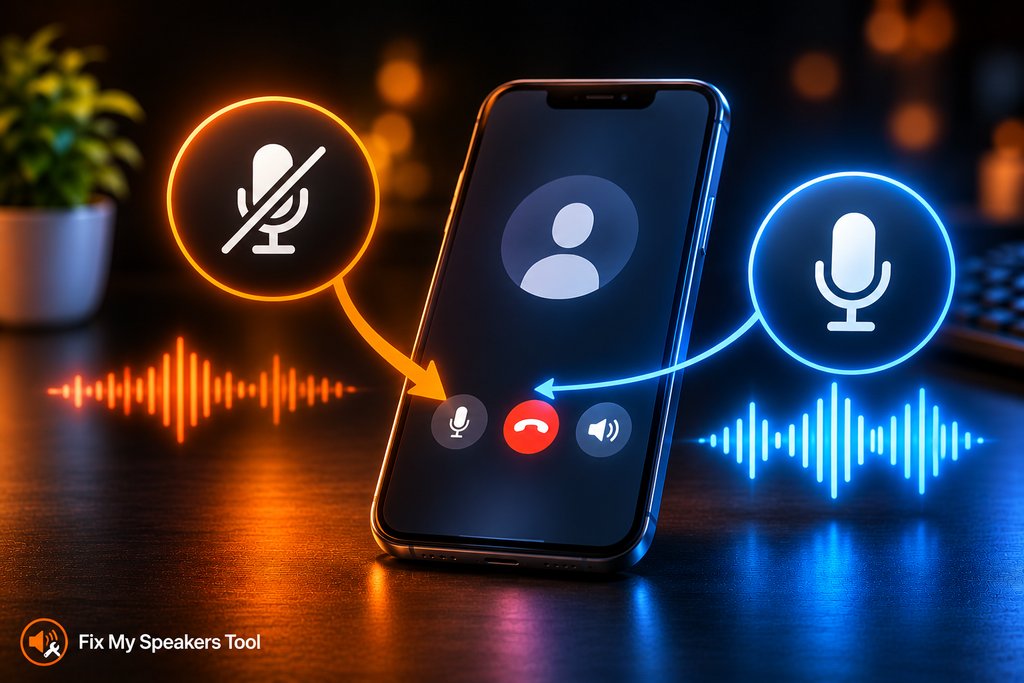
The third caller today just said “I can’t hear you.” You mutter “people can’t hear me” and raise your voice. It does not help. Most advice sends you straight to cleaning the microphone. Both iPhone and Galaxy phones have a setting that changes how callers hear you instead. It takes under a minute to check and it costs nothing. This post covers that setting, why it can hit one app and leave the rest alone, and how to tell which direction is actually broken.
Start With Mic Mode
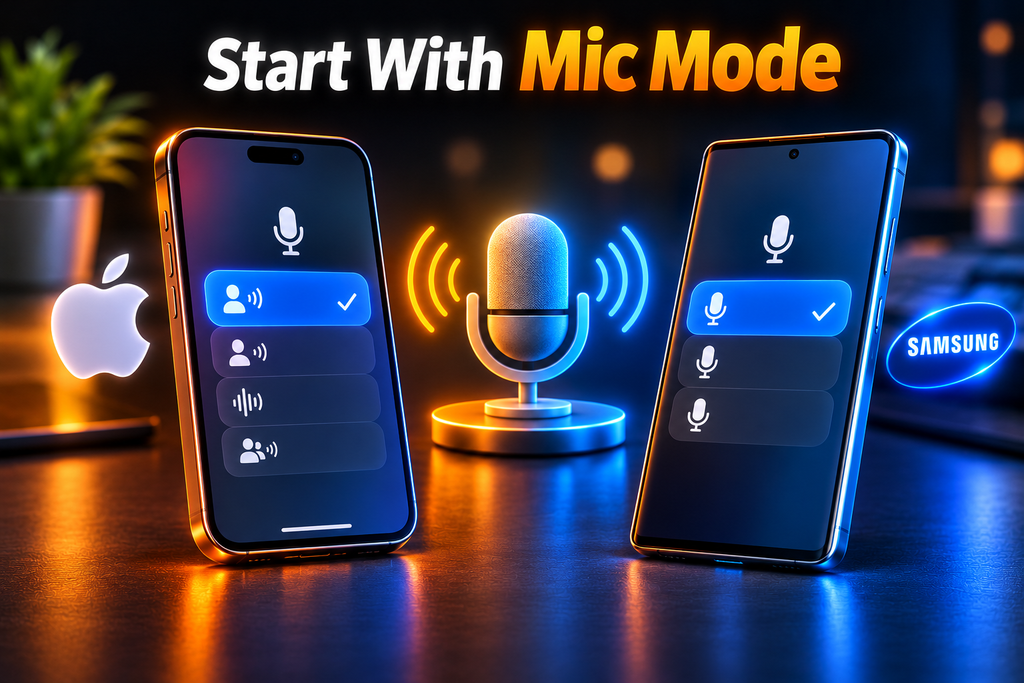
Apple and Samsung both build a microphone mode into their phones. It changes how the phone processes your voice before it reaches the caller. You can switch it during a call. Most people never learn it exists. That gap explains a lot of confusing calls.
Apple gives you four modes. Automatic picks the best mode for your call. It uses Voice Isolation for calls on the receiver and Standard for speakerphone calls. Standard uses regular voice processing. Voice Isolation prioritizes your voice and blocks ambient noise. Wide Spectrum leaves ambient noise unfiltered.
Samsung gives you three. Standard applies minimal audio filtering. Voice focus filters more strongly and emphasizes your voice. Full spectrum picks up both your voice and the background sounds.
Here is why this matters. A mode that leaves background noise in means the caller hears the room competing with your voice. That sounds exactly like a failing microphone. It is not one. The microphone picks up your voice fine. The mode simply lets too much else through with it. Apple’s Wide Spectrum is not available for phone calls at all. If you hunt for it there you will not find it. Apple’s guidance on Mic Mode lists every option.
Changing Mic Mode on iPhone
Start a call or recording. Open Control Center from the upper-right corner. Tap the “[App] Controls” button and choose a Mic Mode under Audio & Video. In supported apps you can also set it before you start a call.
Check the version rules. Voice Isolation on phone calls needs iOS 16.4 or later. Automatic needs iOS 18 or later. Voice Isolation and Wide Spectrum need iOS 15 or later for FaceTime and certain third-party apps. The feature works on iPhone XR and iPhone XS models onward. Pick Voice Isolation when callers say you sound distant or buried in noise. Give it one call to prove itself before you try anything else. Apple’s guidance on Mic Mode has the full details.
Changing Mic Mode on a Galaxy
Start a call. Swipe down from the top with two fingers to open the Quick settings panel. Tap Mic mode. Choose an option and tap Done. Use the same steps to change it mid-call.
Try Voice focus when callers cannot hear you clearly. If your voice drops out on a Galaxy during calls, check this setting before anything else. The setting applies to cellular calls in the Samsung Phone and Contacts apps. On newer models it also covers speakerphone in VoIP apps such as Zoom, Google Meet and Skype. Samsung explains each option in its microphone mode guide.
Why People Can’t Hear Me in One App but Not Another
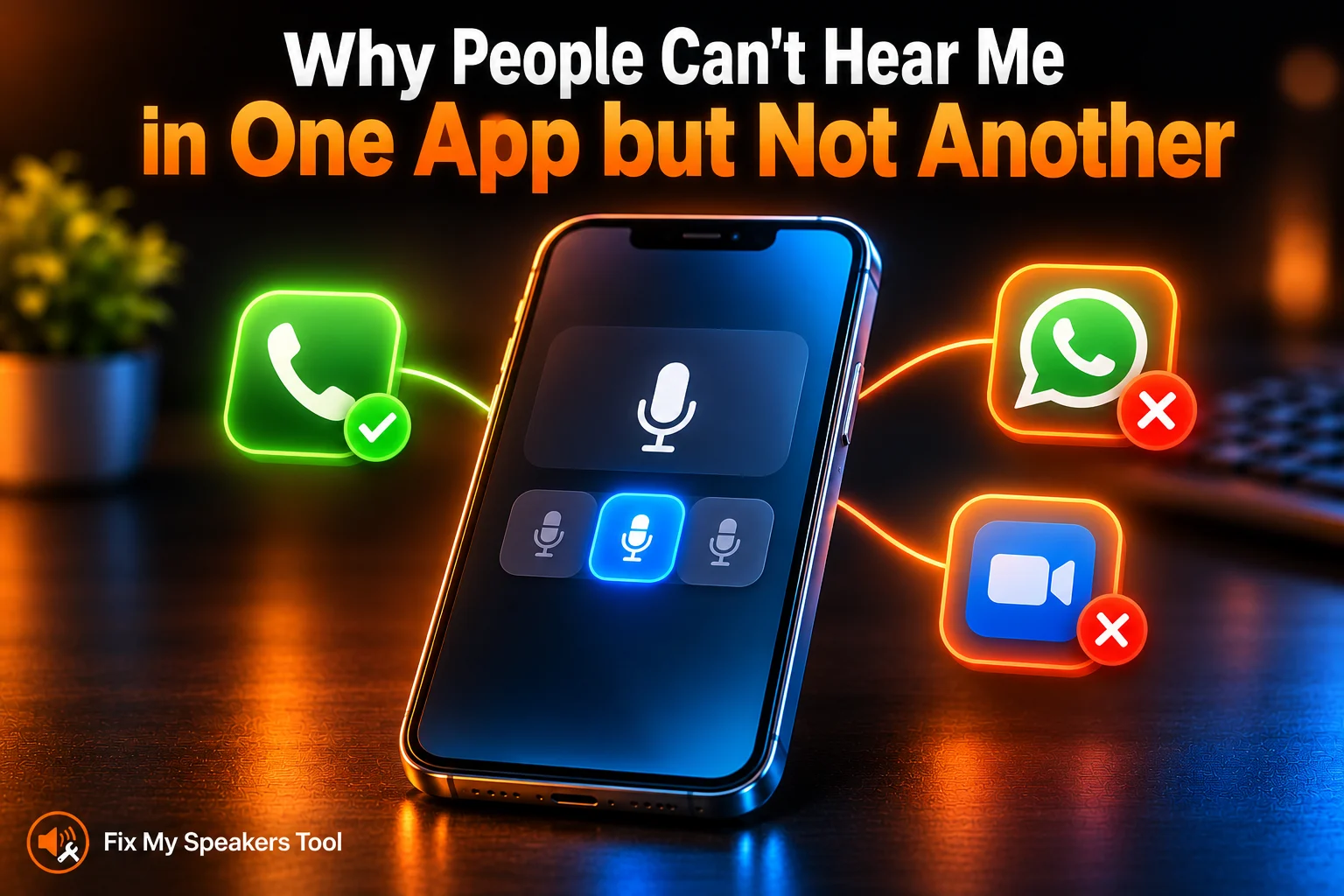
Apple states it plainly: “A selected mode applies only to the app you’re using and stays set for that app until you change it.”
Here is what that means in real life. You once chose a mode inside one app. That app kept it. Every other app behaves normally. So you sound fine on a regular call and vanish on WhatsApp or Zoom. You might tell a friend “people can’t hear me on WhatsApp” while the Phone app works perfectly.
The fix takes four steps. Open the problem app. Start a call. Open the Mic Mode control from inside that app. Set the mode there. Then ask the same caller to check how you sound.
Your microphone is not broken. Your phone is not broken. One app is holding a setting. It also explains a microphone that fails on calls in one app while every other call sounds clear.
Test Which Direction Is Actually Broken
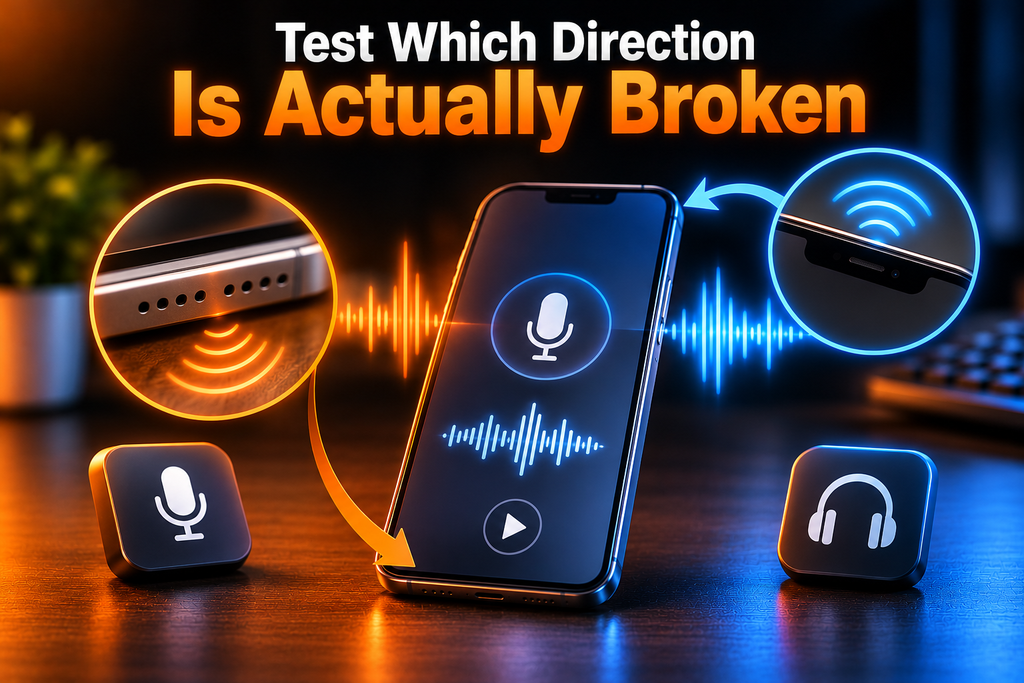
Before you decide “people can’t hear me” means a dead microphone, run one free test. Record a voice memo and play it back on speaker. If your voice sounds clear the microphone hardware works. The problem then sits in a setting or an app or the call itself.
Now separate the two failure directions. People can’t hear you when the microphone or Mic Mode is the problem. You can’t hear them when the earpiece or volume is the problem. Each one gets fixed in a different place. Mixing them up wastes time because the right fix for one does nothing for the other.
Do you have one way audio where callers miss you? Finish this post. Can you not hear the other side? Read the next section.
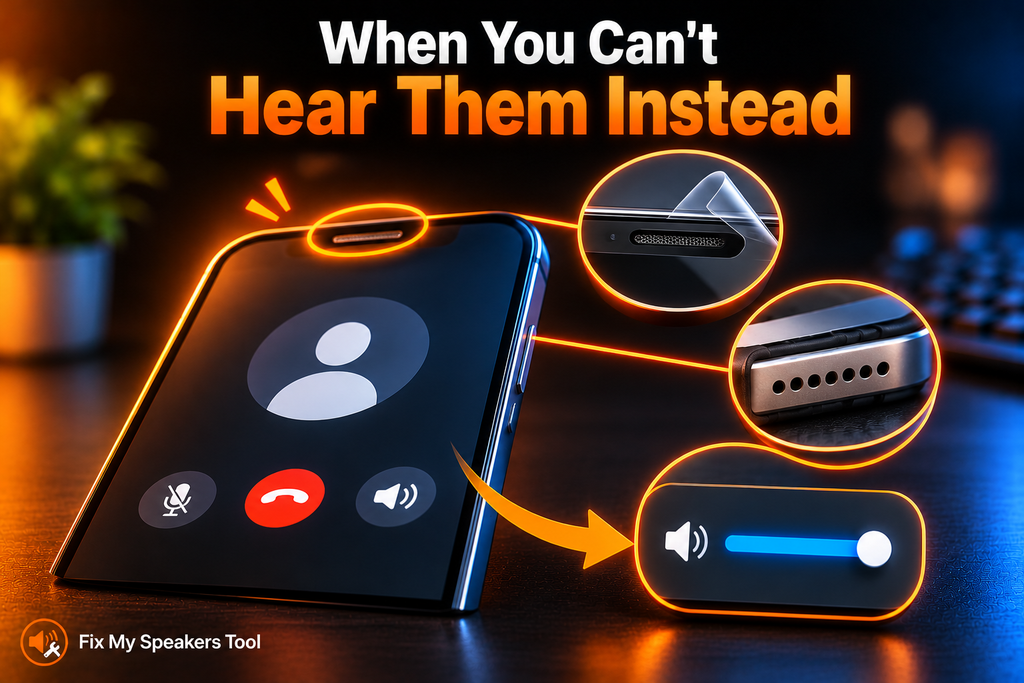
When You Can’t Hear Them Instead
This is the opposite problem. Samsung’s guidance on low or no sound during calls covers it. Run these checks. Each takes seconds.
- Look at the top receiver (earpiece). A screen protector or protective film may cover it.
- Look at the air vent holes. A phone case or vinyl wrap may cover them. Samsung says blocked vents can cause crackling or low sound.
- Set the in-call volume to the highest level.
If callers still cannot hear you after these checks skip ahead. This list only fixes the other direction.
Settings That Silence You Without Warning
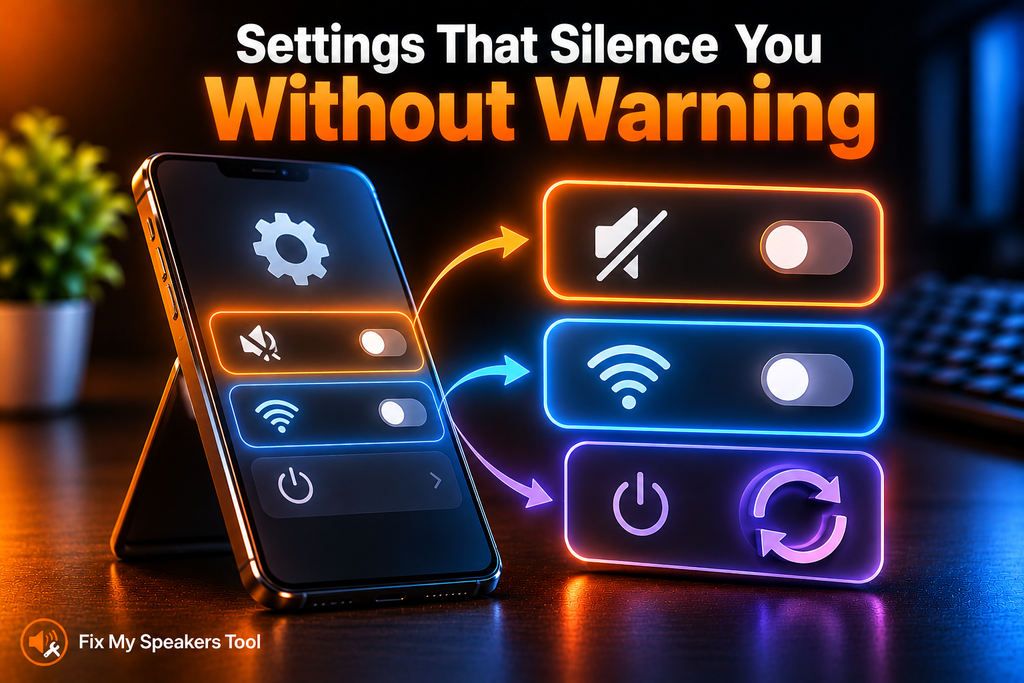
Three settings deserve a look. Samsung covers the first two in its guidance on low or no sound during calls.
Mute all sounds. On a Galaxy open Settings > Accessibility > Hearing enhancements. Make sure Mute all sounds is off. This setting silences all audio including calls.
Wi-Fi Calling. Open Settings > Connections and switch off Wi-Fi Calling as a test. Samsung notes the feature may not be available on all carriers or devices.
A restart. It sounds dull. It also clears a stuck audio route. Restart the phone and test again with a short call.
For app microphone permissions use the Fix My Mic Speaker page.
When It Is the Microphone Itself
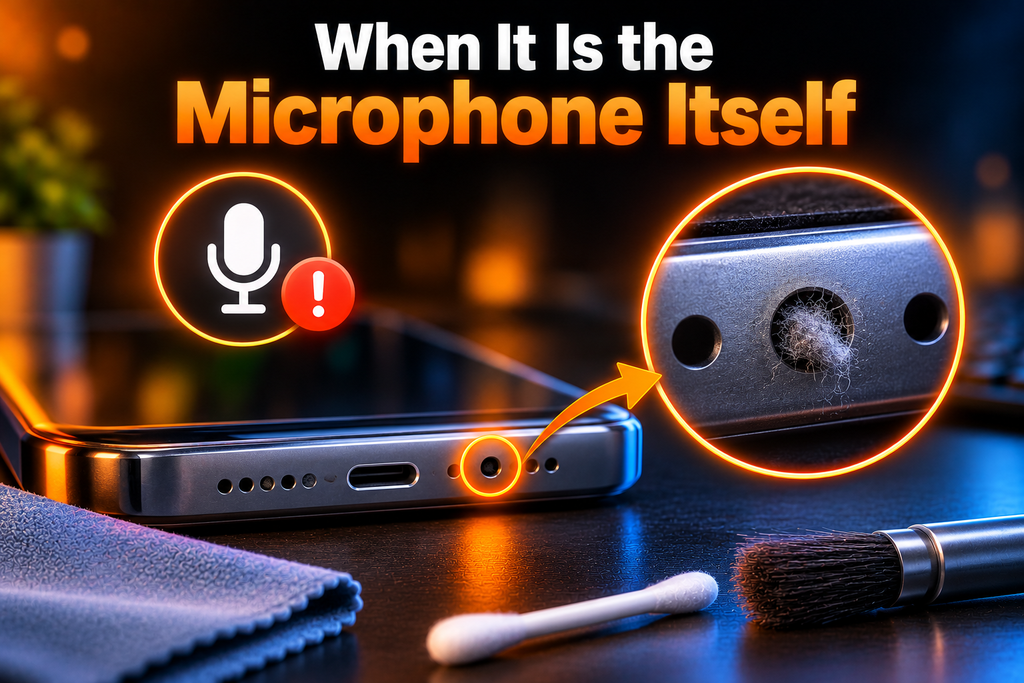
Suppose Mic Mode is right and the app is fine. The settings are clear and a voice memo still sounds muffled. Now the opening itself may be blocked. That is a physical problem and no setting will cure it. A case or a piece of lint over the hole is the usual cause. Follow How to Clean Phone Microphone Openings for the method. That guide covers the method when the opening itself is the problem.
When It Is Hardware
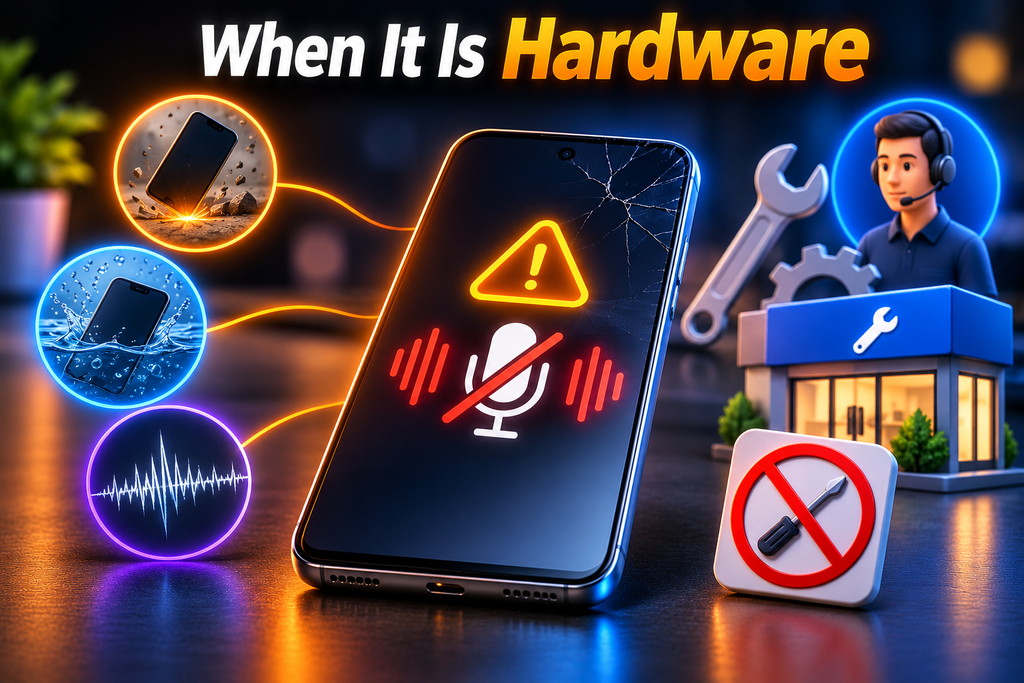
Some signs point past any setting. Your voice memo has no sound at all. The fault appeared after a drop or after water. Crackling survives every check above. Contact your manufacturer’s support channel or an authorized technician. Samsung says to visit a service centre. Do not open the phone yourself. A repair attempt can turn a small fault into a bigger one.
Frequently Asked Questions
Related Speaker Guides
- Fix My Mic Speaker — the microphone tool and permission checks
- How to Clean Phone Microphone — the cleaning method
- Speaker Cleaner — sound or repair: which you need
- Speaker Test Online — check the result afterwards


